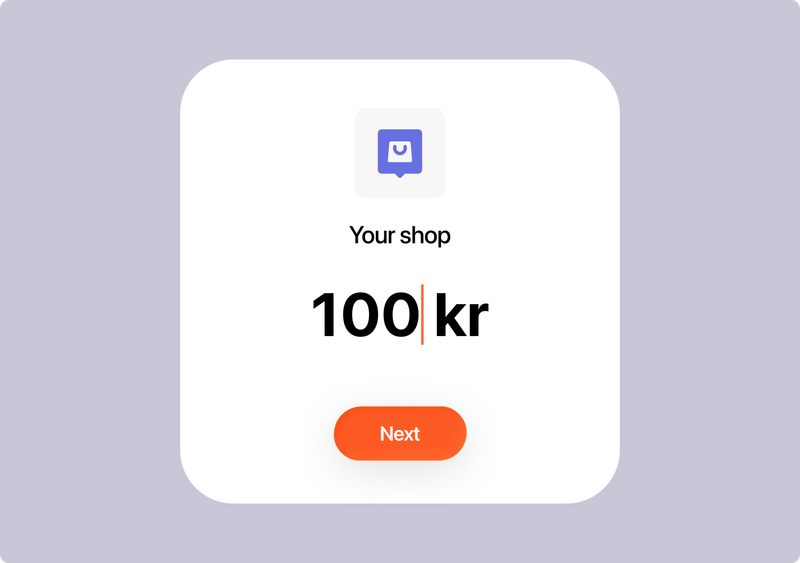
Customer enters amount
The customer finds your Vipps MobilePay-number, enters the amount and pays - just like sending money to a friend in Vipps MobilePay. It’s an easy way to get paid when the amount varies from sale to sale.
An amount the customer enters themselves? A shopping basket with fixed prices? With a Vipps MobilePay-number, you choose what works for your business. Customers find you in Vipps MobilePay and pay in just a few taps.
You will also get access to the Get paid app, where you can send payment requests, accept card payments and keep track of your payments.
A Vipps MobilePay-number is ideal if you sell goods and services, or simply want to make getting paid really, really easy.

The customer finds your Vipps MobilePay-number, enters the amount and pays - just like sending money to a friend in Vipps MobilePay. It’s an easy way to get paid when the amount varies from sale to sale.
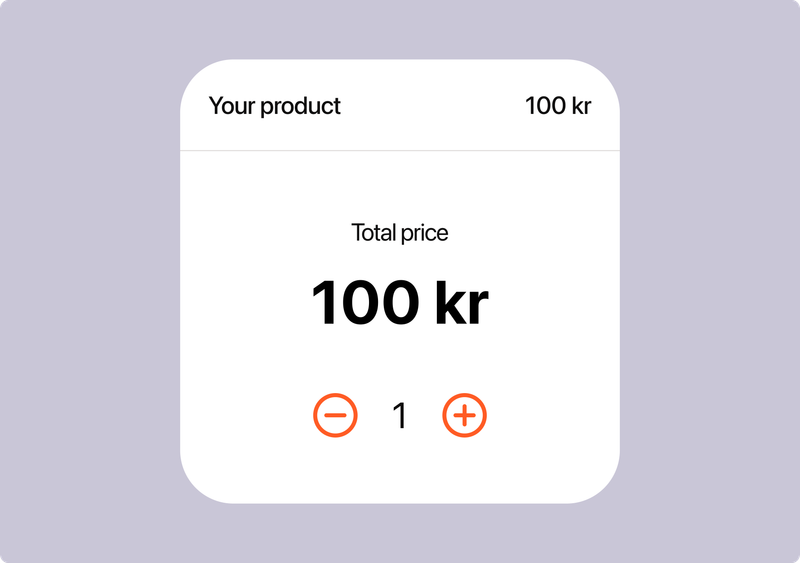
Are you selling one, two, or many of the same product? Then this is for you. You set the price, name, and description, the customer chooses the quantity, and the total is calculated automatically.
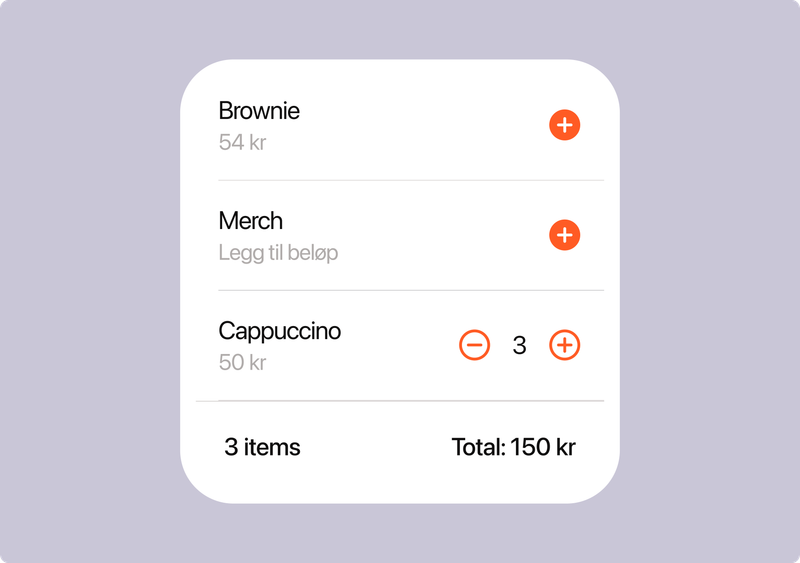
Combine products with fixed prices and variable amounts. Perfect when some prices are set, and others vary from sale to sale. The customer adds what they want to their basket, enters an amount where needed and pays in just a few taps.
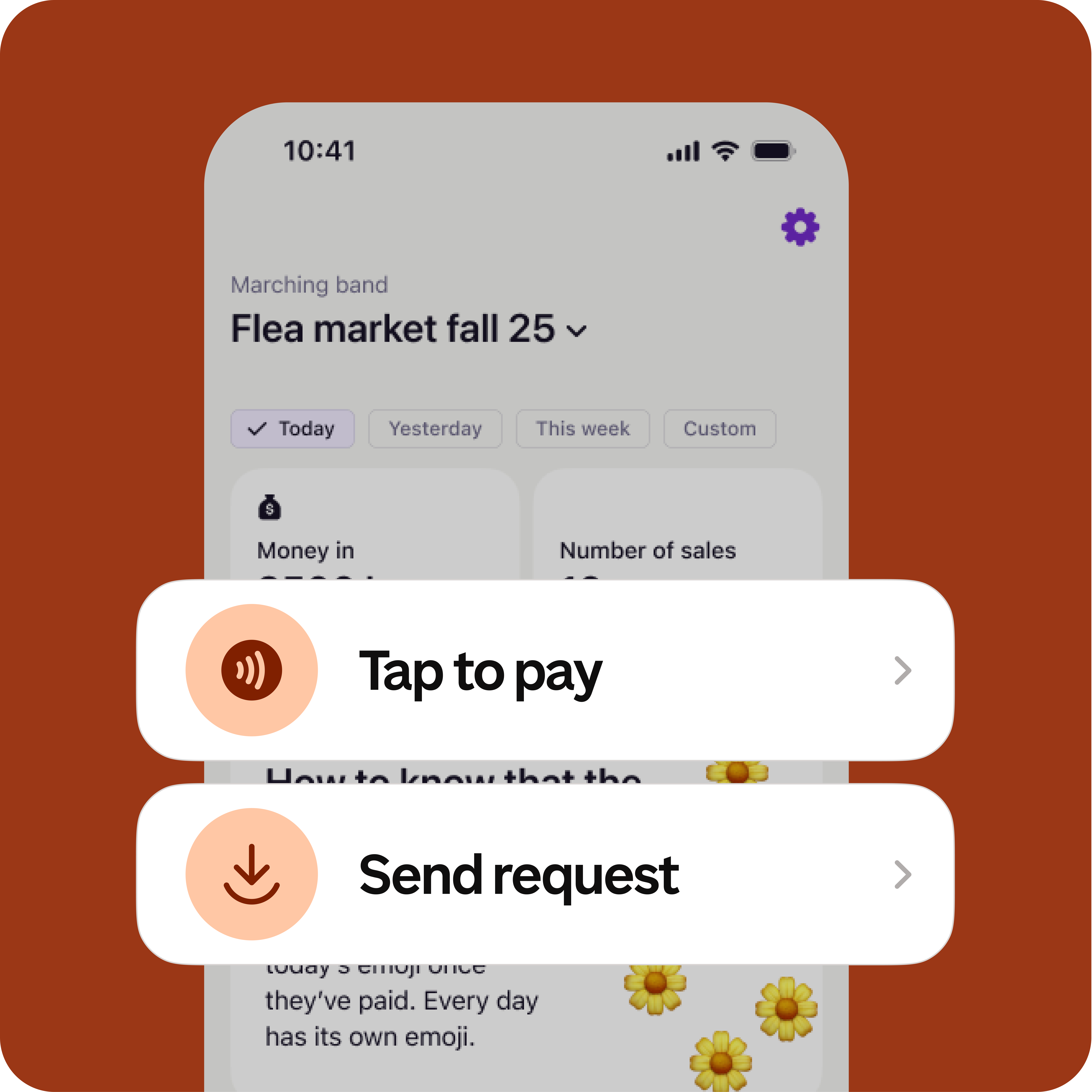
The Get paid app is included when you order a Vipps MobilePay-number. It gives you more ways to get paid:
Scan, pay and go. Customers scan your QR code with Vipps MobilePay, choose their items or enter the amount, and pay in just a few taps. Quick, easy and self-service.
Customers can also find you by entering your Vipps MobilePay-number in the app. They choose their items or enter the amount, then pay. Just like scanning a QR code, with your number as the starting point.
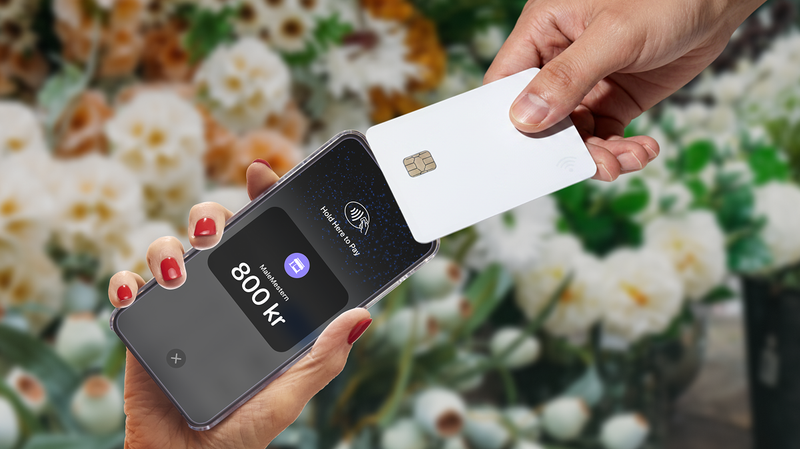
Customer does not have Vipps MobilePay app? No problem. With the Get paid app, you can accept card payments. Customers simply tap their card or wallet, to pay - making it easy to welcome tourists and other customers who don’t use Vipps MobilePay.
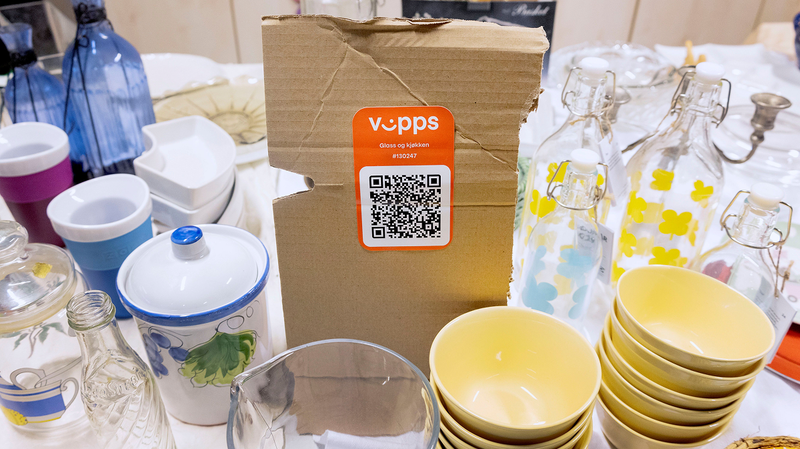
Share your number or put up a QR code. Customers pay from their phone — no cash, no terminal.
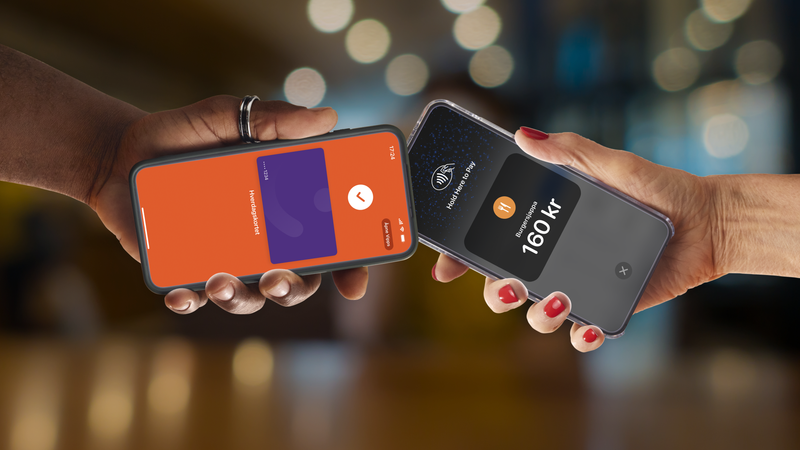
Get paid on the spot or after the work is done. Send a payment request if the customer has already left.

Kiosk at the game, fees for the season, kit for the team. A Vipps MobilePay-number handles it all.

Send a payment request to secure a booking upfront. If they don't show, you can still charge.

Take Vipps MobilePay and card payments without a POS system. Everything tracked in Get paid automatically.
No monthly fee means no cost when you're not trading. Start and stop as your business does.
Your customers find you in their own Vipps MobilePay, either by looking up your business name, number or that you're shown as a nearby business.
Every payment type in one app. Create categories for your products and services to easily see what you've sold.
Get full flexibility for different products and services by letting your customers enter the correct amount.
Your customers pay from their phone. That means less queue and less cashier work. Put up a QR code and let customers get on with it.
One thing is more important than easy payments: that it's safe and secure. That's why we work to keep businesses and users safe.
No monthly fee. No setup cost. No surprises. Pay a percentage per transaction — nothing else.
Give your business a Vipps MobilePay-number, get paid today.