1. Open the Get paid-app
Click Get paid. Add amount or item, and description if you want. Click Next.
Card, Vipps/MobilePay or payment request — Get paid handles all of it from your phone.
No terminal. No paperwork. No chasing. Included with Vipps/MobilePay-number Open amount and Shopping basket.
Don’t have Vippsnummer/MobilePay-number yet? Get started here.


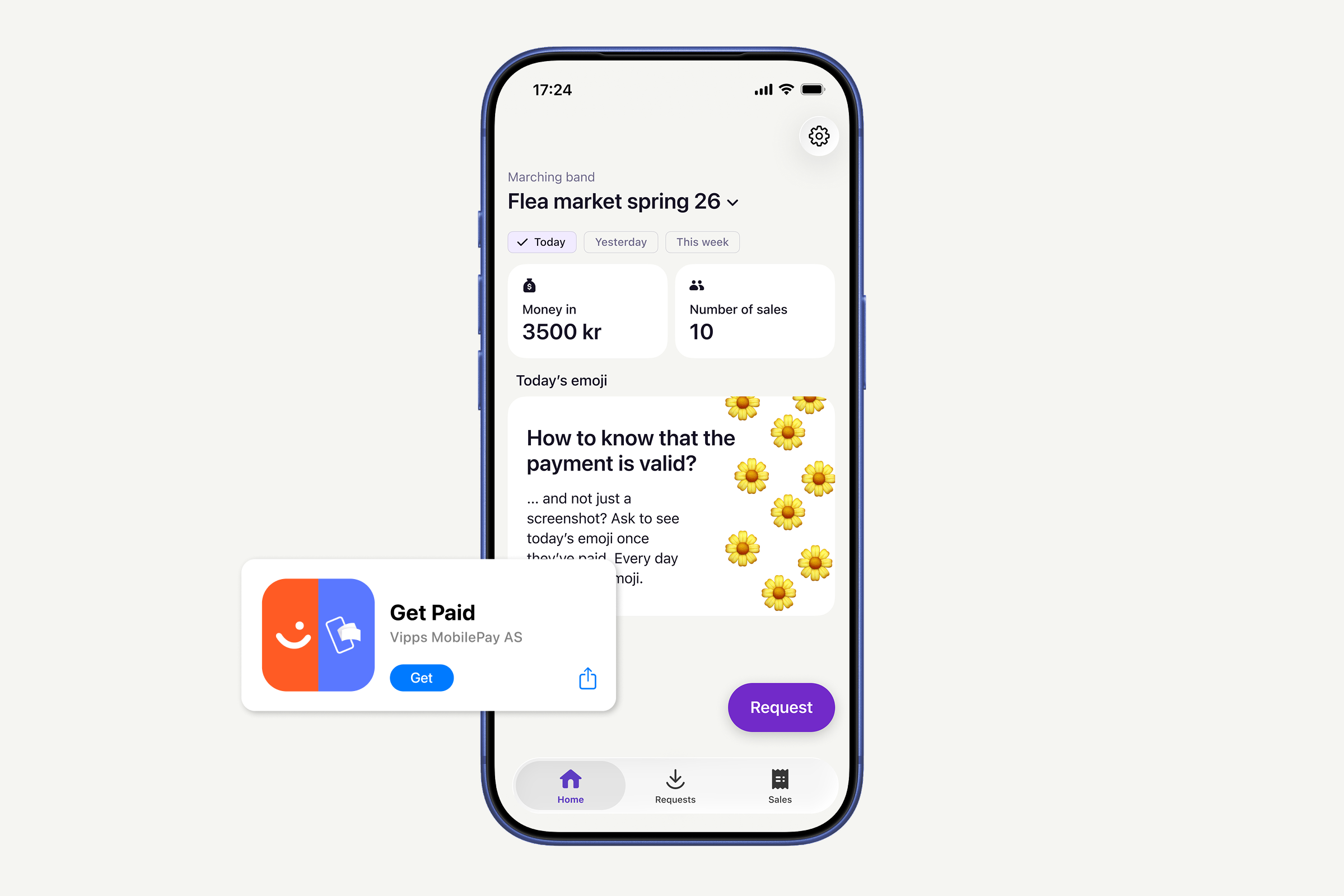
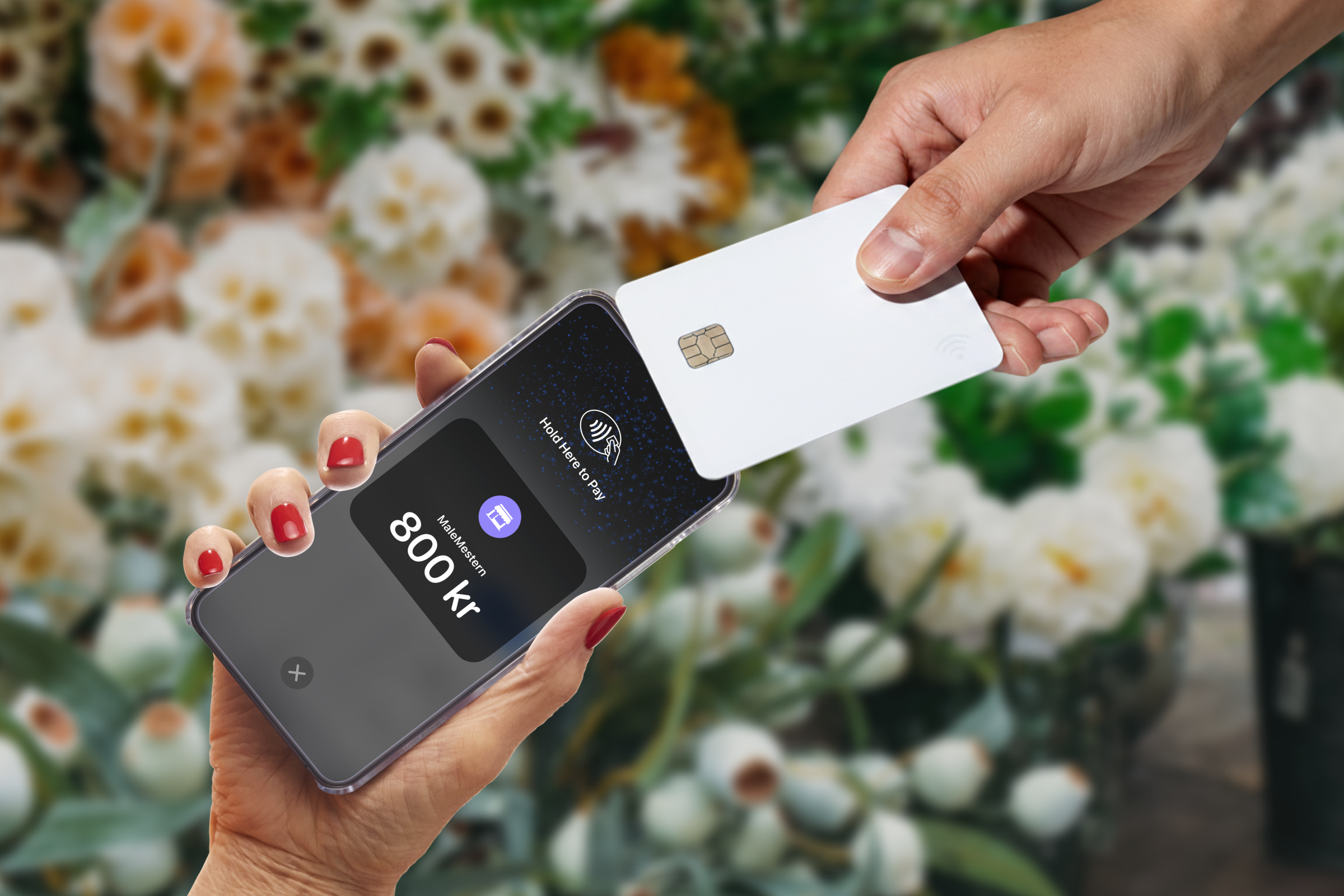
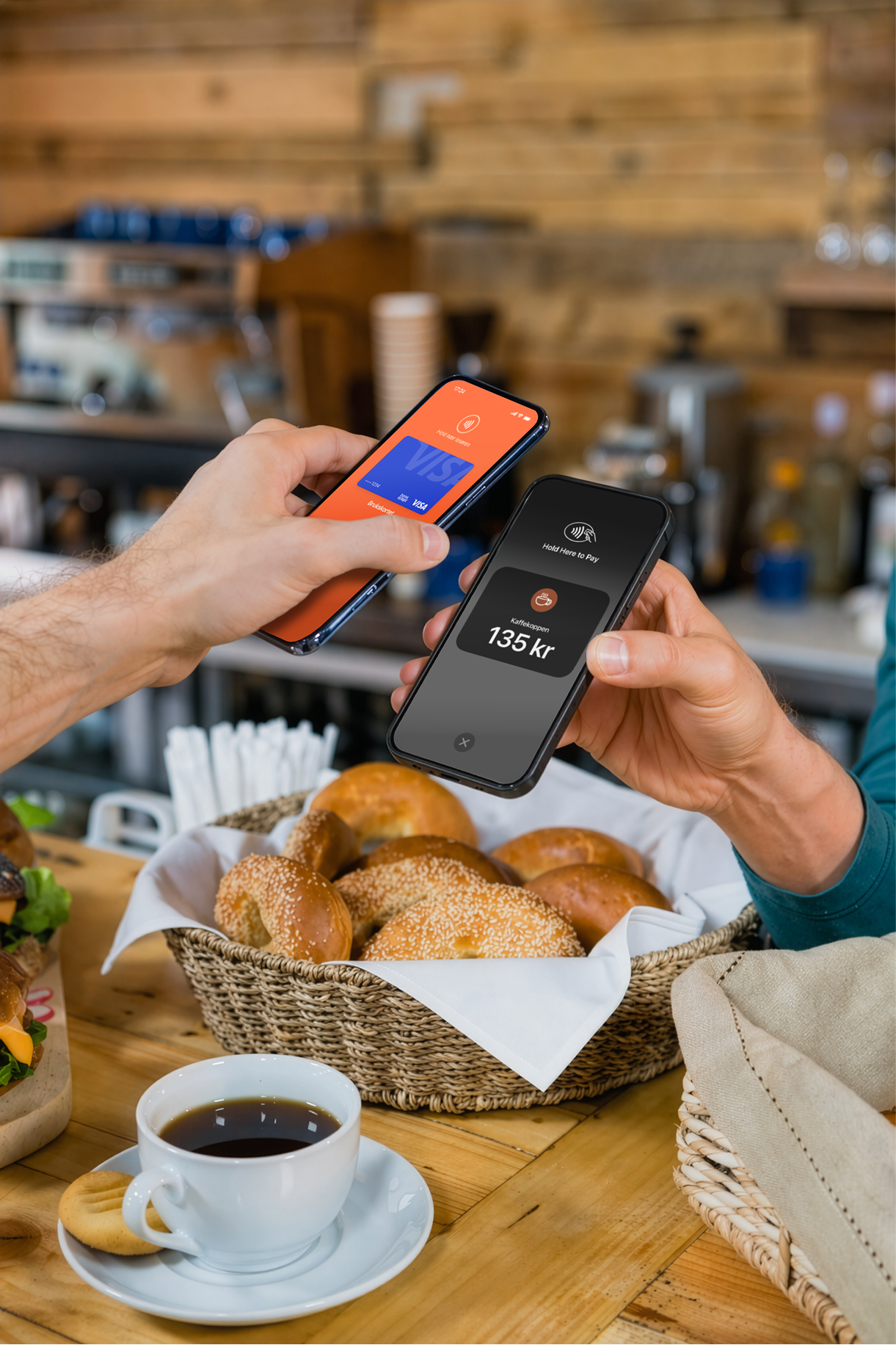
Some customers don't use Vipps or MobilePay. Now you can welcome them all. Accept card payments directly in Get paid, using only your phone, the same way you already take payments. One app. Every customer covered.
NEW!
Send a payment request straight from the app. Your customer gets it in their Vipps/MobilePay, taps to pay, and you get notified when it's done. No invoice. No follow-up. No waiting. Especially great for:
 Deposits before a job startsNo-shows and cancellationsPaying after a service is doneConfirming a booking
All Vippsnummer/MobilePay-nummber payments, card transactions, and outstanding requests in one list.
All payment types in one viewCategories for your products and servicesOutstanding requests clearly flaggedQuick insights into your sales directly in your pocketClick Get paid. Add amount or item, and description if you want. Click Next.
Enter phone number to find your customer.
They get a push notification and pay within two days. You're notified the moment it goes through.
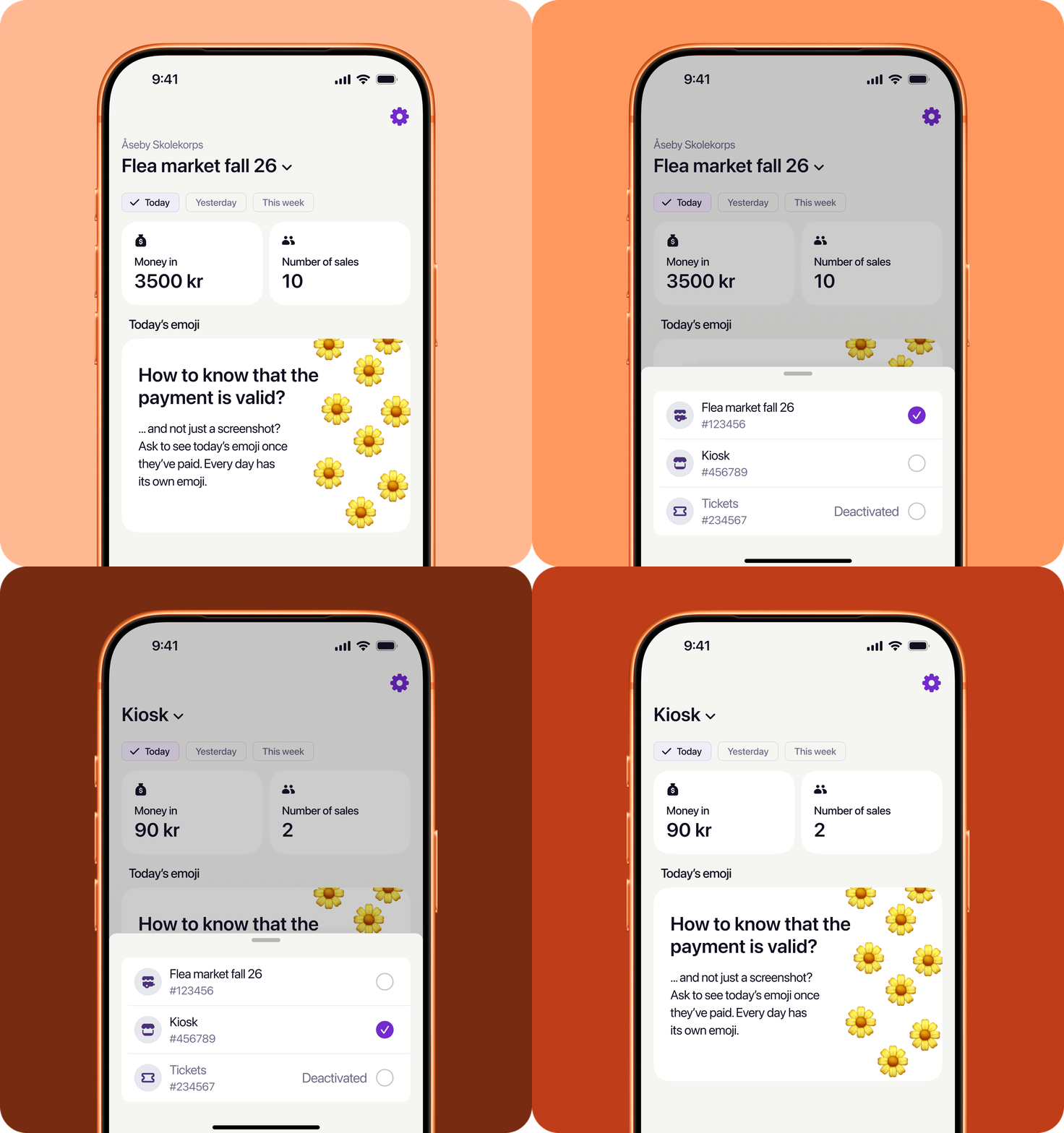
Switch between all your businesses in Get paid with a single log-in. No extra steps — just tap and you're in.
Get paid is included with Vipps/MobilePay-number Open amount — no extra cost. Just download the app, create an access code in the business portal and start taking payments in minutes.