On match day
Coffee for the adults, a snack at half-time and a scarf for the stands. A Vipps number lets people pay your club from their own Vipps app.
Training sessions, tournaments, fundraising – and finding that waffle iron. Running a sports club takes teamwork.
Vipps can help in several parts of club life. Use a Vipps number when people buy from your kiosk. Let visitors log in with Vipps on your website. And offer Vipps when you sell online.
Here are ideas for getting started, what each service does and what to discuss with your digital service provider. You don't need everything at once. Start with what your club needs now.

Coffee for the adults, a snack at half-time and a scarf for the stands. A Vipps number lets people pay your club from their own Vipps app.
Log in with Vipps is an alternative to usernames and passwords. It can be useful if your club has a website or app with user accounts.
Let supporters choose Vipps when they shop online. Payments need to connect to your online shop or the system you already use.
When the half-time whistle blows, it helps to have your payment setup ready.
With a Vipps number, customers find your club in Vipps and pay. You can let them enter the amount or add products with fixed prices to a shopping basket.
Got a regular kiosk menu? Add coffee, waffles and other products with names and prices. Selling different things each time? Letting customers enter the amount may be a better fit.
Make the right recipient easy to find. Display your club's name and Vipps number clearly where people buy. Put up a QR code from your club's setup and check that it leads to the right place before you open.
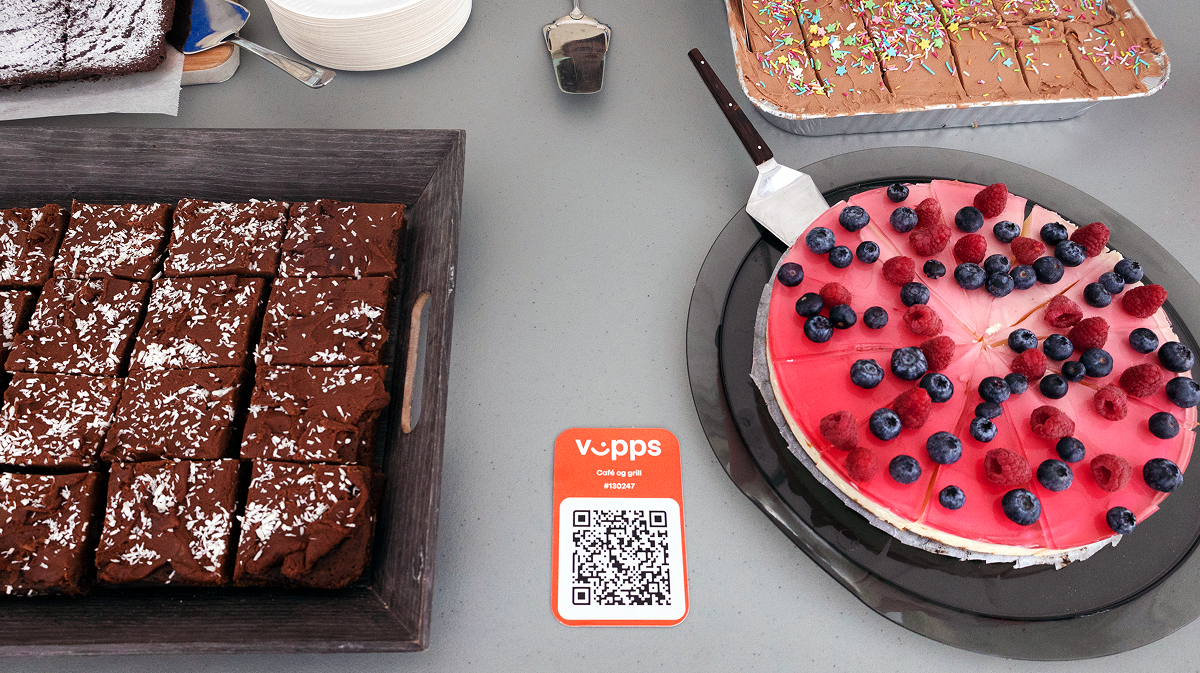
A small kiosk and a large tournament don't need the same setup.
Think about what you sell. A clear menu works well when lots of people buy the same products. An open amount can help when the total varies. A Vipps number can also combine fixed prices with amounts entered by customers.
Give kiosk volunteers a short routine: Which number should they use? Where are the prices? How do they check payments? Who takes over at the end of the shift?
Agree on the setup and access with your club's finance lead before volunteers arrive. A quick walkthrough before opening helps everyone know what to do.
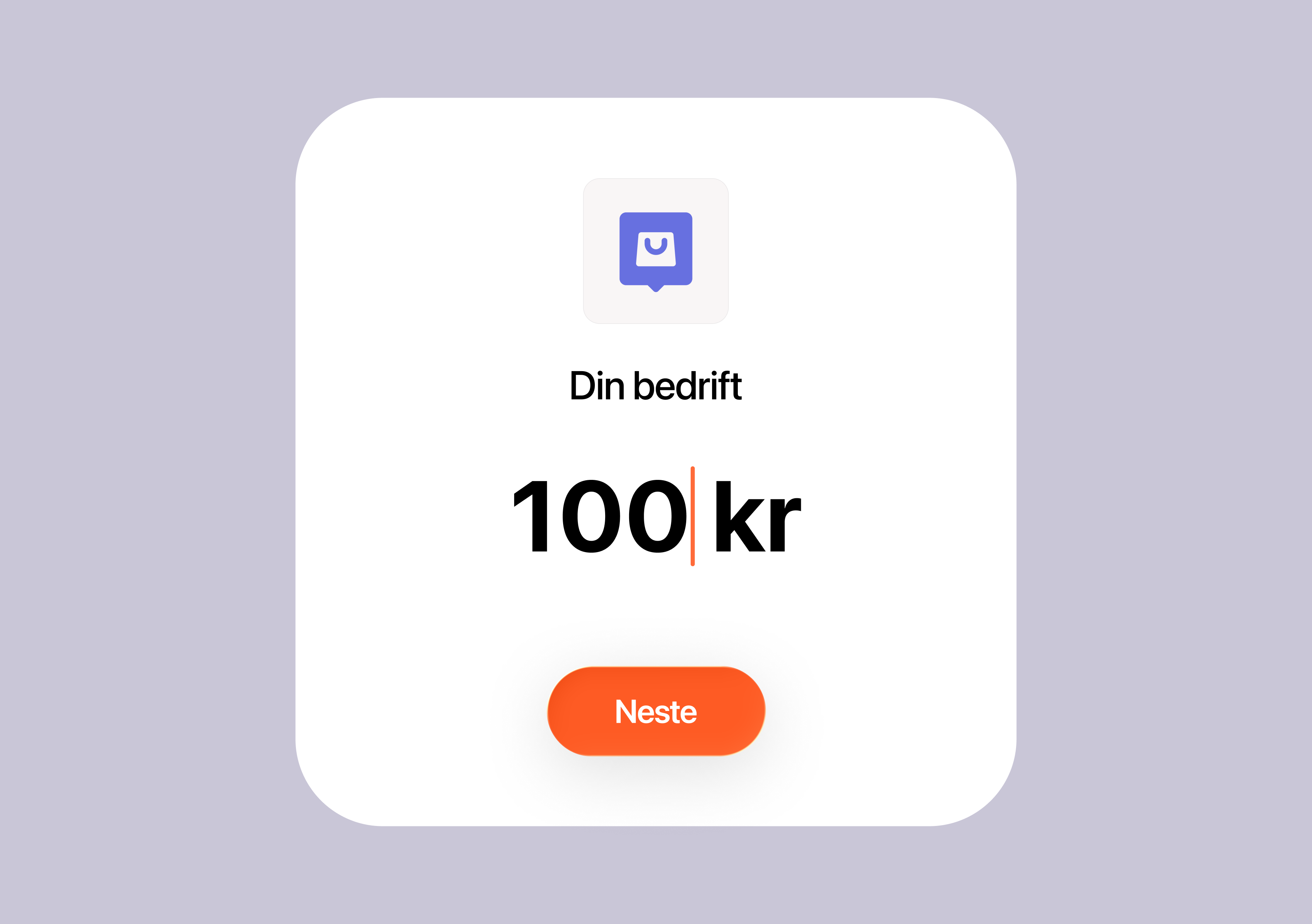
Put the number and QR code where people order and pay. Test the code from the customer's position and make sure prices are easy to read.
Share the essentials: the correct sales location, payment routine and a contact for questions. Walk through it before the queue starts.
Agree on who follows up sales after the event. Keep the records your club needs for reconciliation and involve your finance lead.
A football club where payments are part of everyday club life.
At Kastrup Boldklub, a volunteer uses the club's MobilePay number to take payments for team kit. With Get paid, she can also accept card payments on her phone and export payment records to Excel for bookkeeping.
At Café Røllike in the clubhouse, most guests pay using a MobilePay QR code. The café is a place for teams to eat together after a match — with fewer cash payments for the café team to manage.

Tickets, kiosk sales and fan merchandise at an American football club in Helsinki.
East City Giants replaced ageing payment terminals with Get paid for match-day ticket and kiosk sales. The club's volunteers describe the app as quick to learn, making it easier to introduce new helpers.
When a queue builds at the grill, team manager Petra Eloranta can move over and take payments on her own phone. The club also uses the app to sell fan merchandise at other events and follow sales during the match.
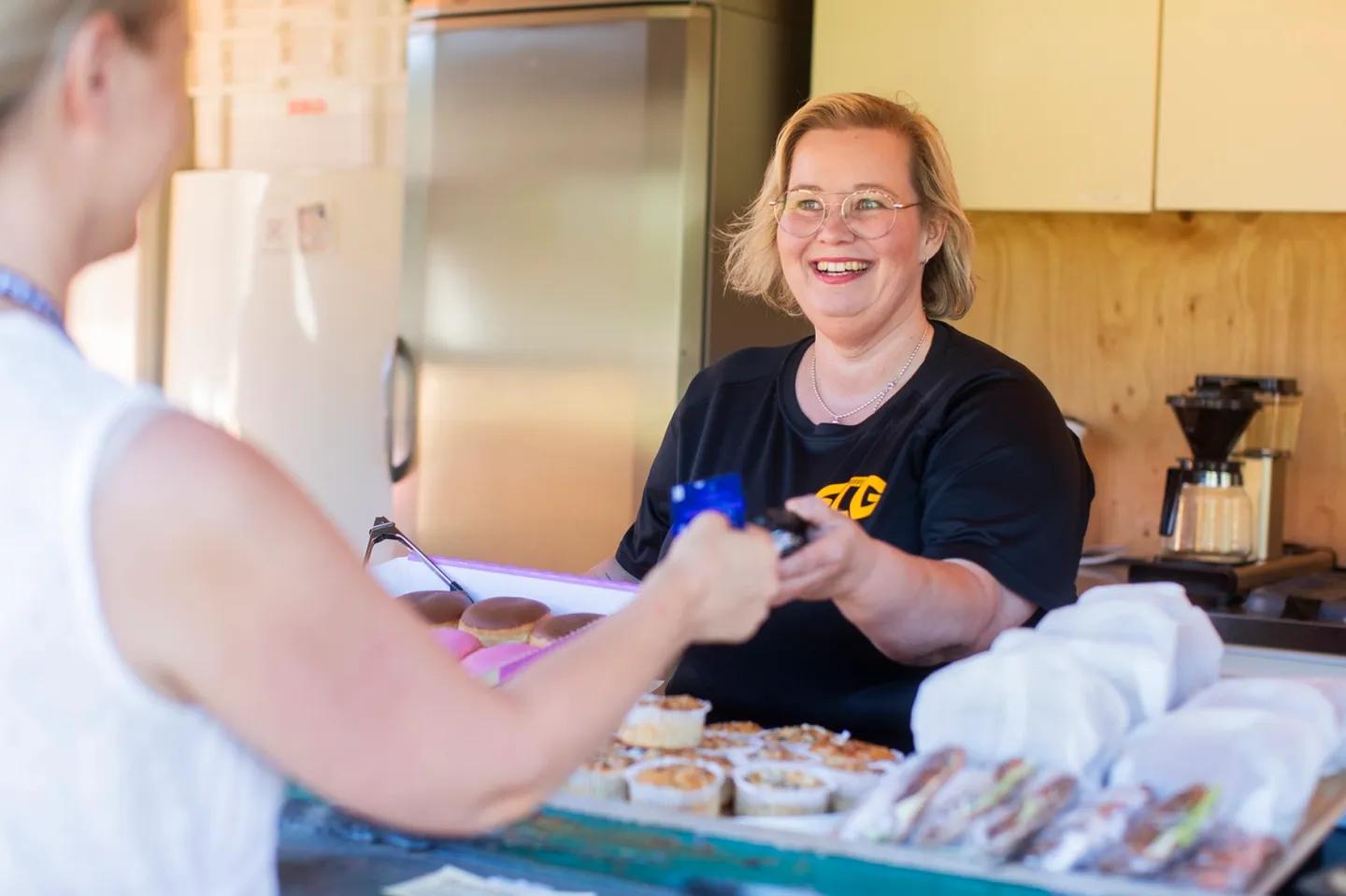
Inspiration for clubs planning a tournament, festival or community event.
Saudadagane is a volunteer-run festival in Sauda with concerts, markets and family activities. The organisers wanted more sales points, but needing a separate payment terminal at each one had made that difficult.
Using Vipps numbers and Get paid let more people take payments at the same time. According to the organiser, 10–15 team members used the app each evening, making it easier to staff several sales points. It's a useful example of taking payments where the event needs them.

Club loyalty is worth remembering. Another password? Less so.
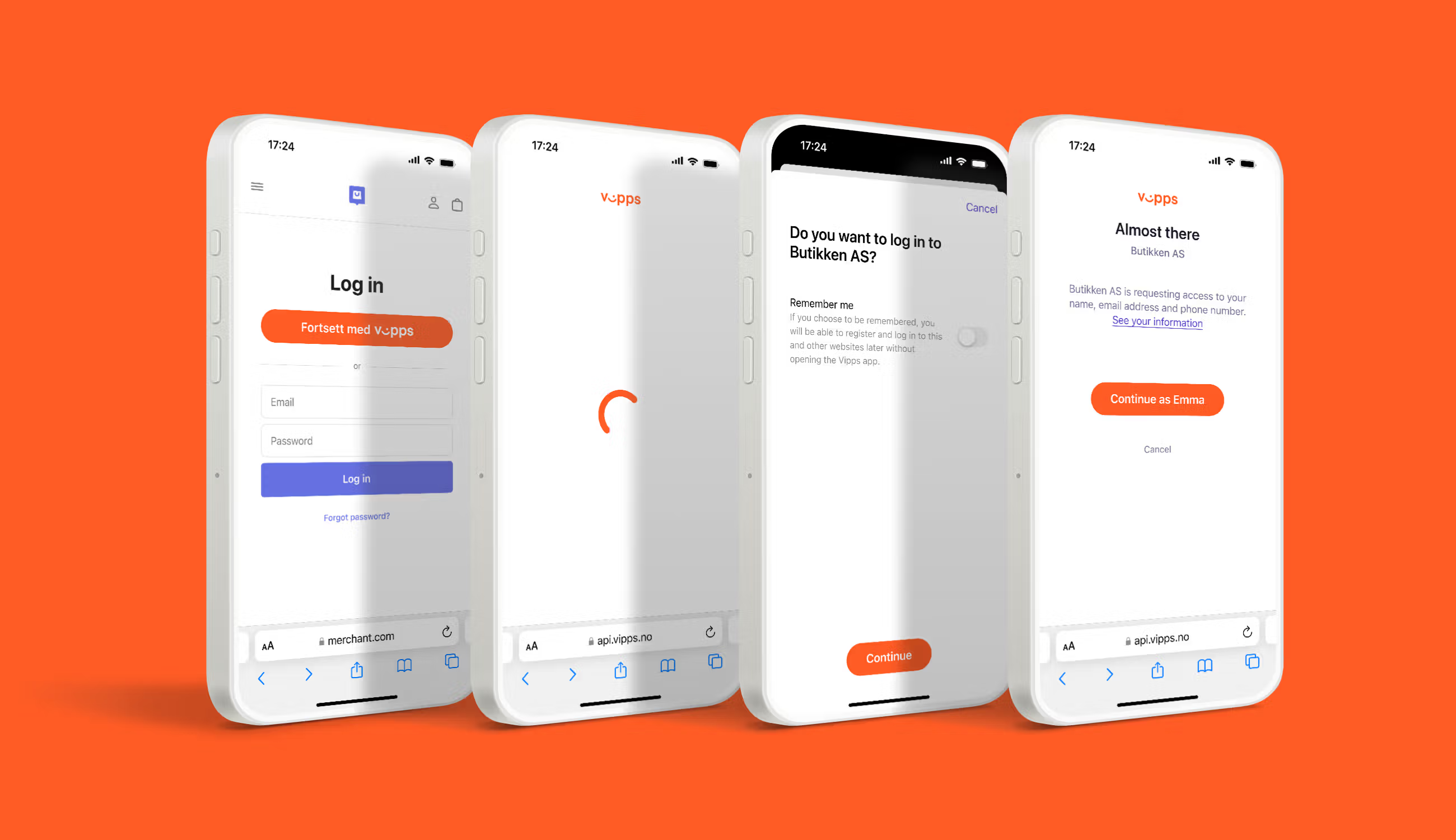
With Log in with Vipps, visitors can confirm their login with Vipps instead of a traditional username and password. The user approves sharing the information requested by your service.
It can be useful for clubs with user accounts on their website or app. For example, a page where adult members or parents can find their own information.
Log in with Vipps is a login service. Your club or system provider still needs to manage memberships, roles and who can access what.
Ask your provider whether the system supports Vipps login, which information you need and how accounts are linked. Specifically clarify how parents and children are handled in your club's system.
A scarf in the stands. A club hoodie on the sofa. Let people choose Vipps when they shop online.
With online payments, customers choose Vipps during checkout and confirm the payment. Your online shop needs to connect to a payment solution that supports this.
Start with what you already have. Ask your online shop provider or partner whether Vipps is supported and how to activate it. If you have a custom-built solution, your developer needs to set up the integration.
Plan the whole purchase: what you'll sell, how customers choose sizes and whether items are shipped or collected. Your club and online shop also need routines for order confirmations, delivery and returns.
A Vipps number at the kiosk and Vipps in your online shop use different setups. Paying your club's number does not, by itself, create an order in your online shop.

Do you want payments at the kiosk, another way to log in or payments in your online shop? Choose one task first and decide who will follow it up.
Bring in your finance lead and website or shop provider early. Clarify what's already supported, what needs setting up and who will do it.
Test what people will actually do: find the recipient, log in or complete a purchase. Check what your club sees afterwards and how you'll handle questions.
Start with your needs. Vipps numbers, Login and online payments do different jobs. Clarify ordering and setup for the services you want to use.
Ask your provider which Vipps services it supports. Check the integration before assuming that login, payments and membership records are connected.
Check current prices and terms for the relevant service before ordering. Ask your system provider about any additional costs for setup, integration and running the service.
Login and payments do different jobs. Login authenticates the user. Payments need a separate payment setup, even when both are available on the same website.
It's the people who make a sports club more than a team.
The person who unlocks the clubhouse. The volunteer at the kiosk. The one who stays to tidy up. Good payment routines and digital services should support the work they do.
Start with what you need most. Get the kiosk ready for the next match, explore login with your website provider or find out how your online shop can offer Vipps.
Take one step, try it in practice and build on it when you're ready. We're cheering for the players and everyone who keeps the club going.

Explore the service that fits your club's next step. Find out more about setup, options and getting started.