Vipps MobilePay Login on Shopify
Login is now live on Shopify!
We’re excited to announce that merchants on Shopify can now offer their customers an very very easy and safe way to sign up and log in with Vipps MobilePay Login.
Why should you enable Vipps MobilePay Login on your Shopify store?
 Boost your sign-ups by up to 50% with a super easy registration process
- Welcome 11 million potential Nordic customers with verified, high-quality data
- Know your customers better!
- Enjoy fewer support requests and higher conversion rates - no more password drama
- Works perfectly for webshops, loyalty programs, and any site needing a login
... and the cherry on top 🍒
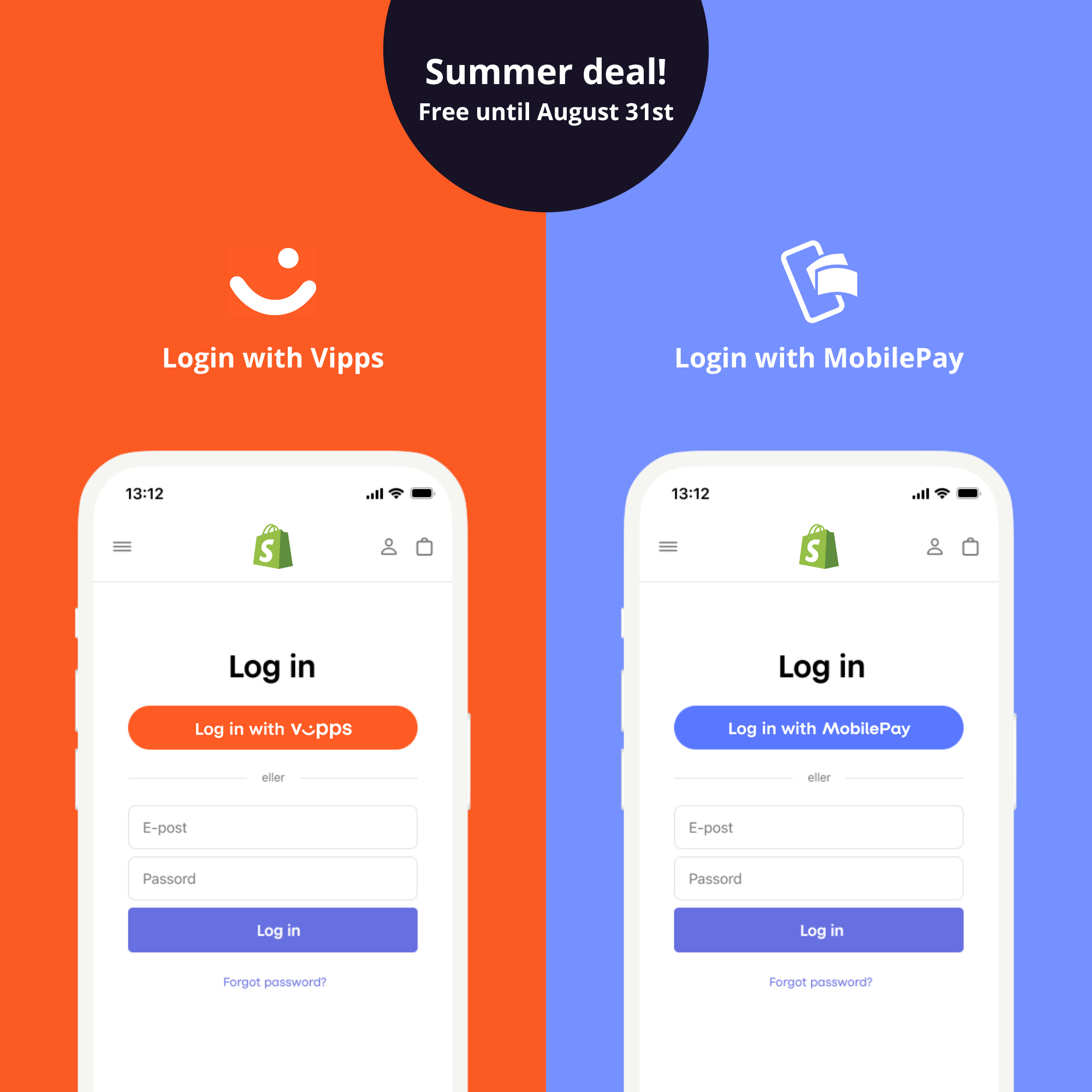
Summer deal ☀️ Use it for free on Shopify until August 31st!
How to get started with Login on Shopify
- Order Login in the portal
- Install the app on Shopify and configure When the product order has been approved install the new app and follow the installation guide in the Shopify settings and theme editor
- Set up Login and finish configuration Log in to the portal and select “For developers” from the bottom-left menu. Locate your sales unit and click “Show keys”. Copy these keys and paste them into the app settings in Shopify. Next, continue setting up Login in the portal by clicking “Set up login”. Set the Redirect URI to: https://vippsmobilepay-login-shpfy.crude.no/api/login/end Then click “Save”. (This redirect URI is also available in the app.)

Easily sign up and log in users online
Get high quality data and increase conversion by 50%
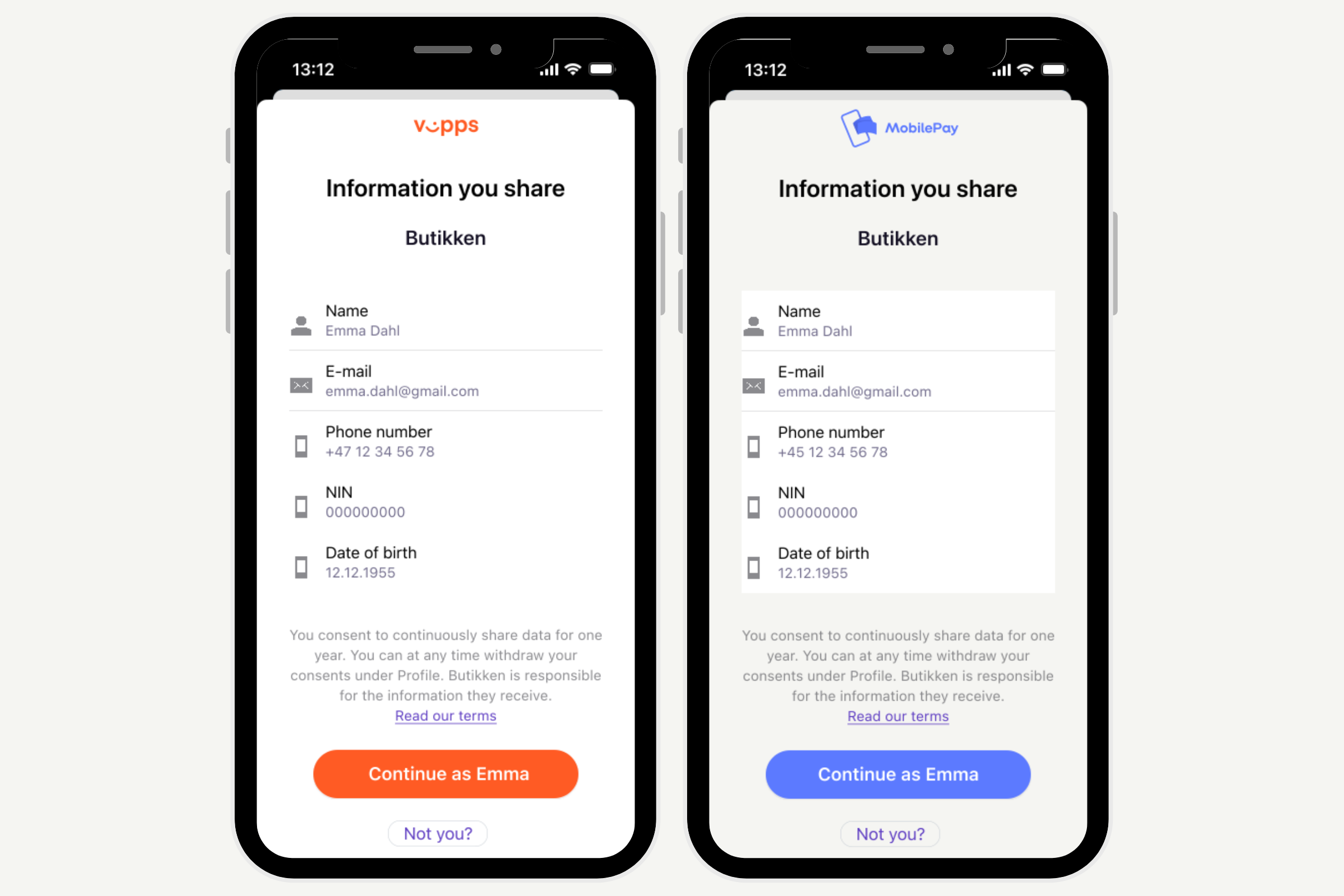
Data points available:
- Full name
- Phone number
- E-mail
- Address
- Date of Birth
- Marketing consents
- National Identification Number
- Gender