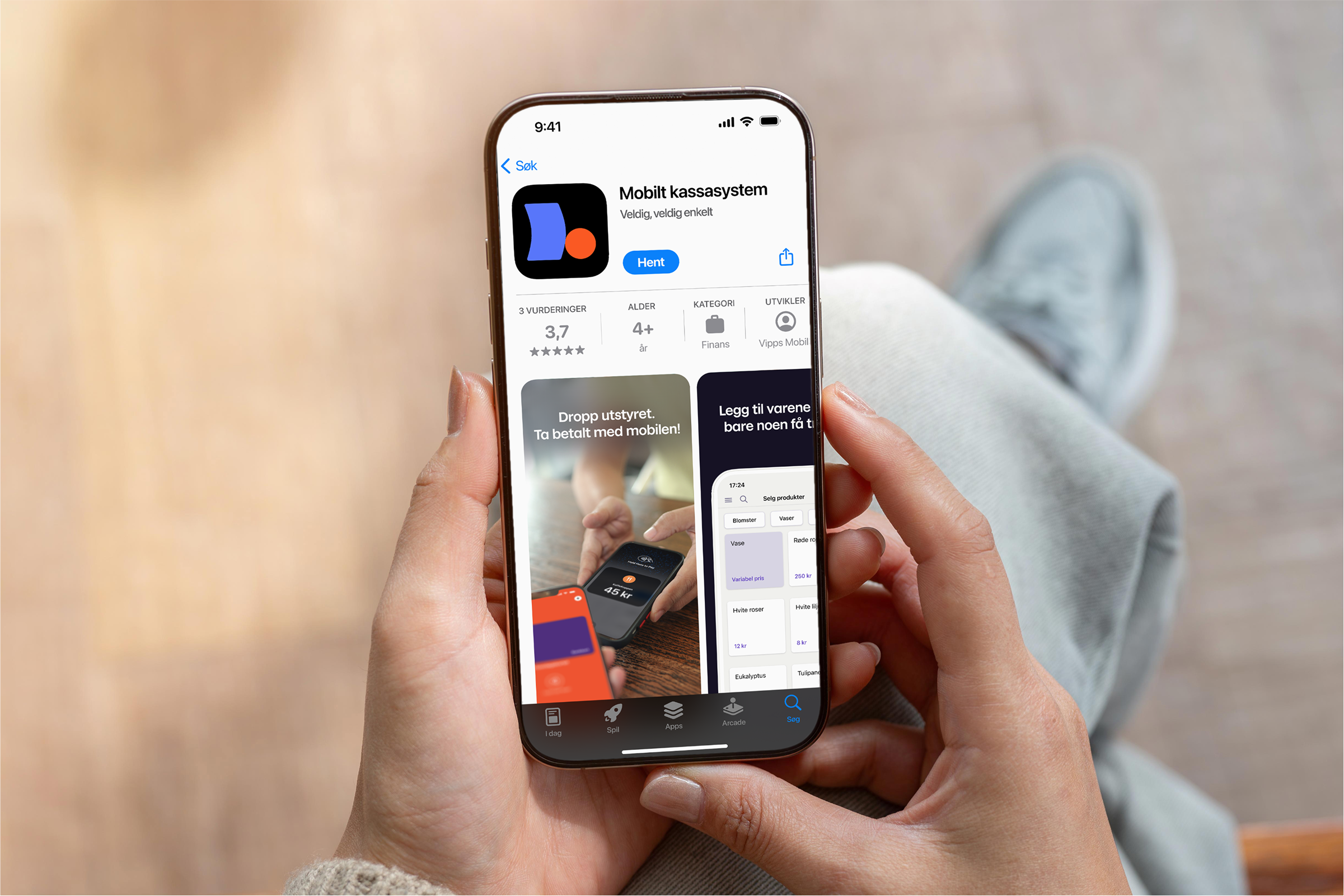
Use your phone as your cash register!
With Mobile Point-of-sale (POS), your phone is your cash register. Accept Vipps, cards (VISA and MasterCard), and cash – no terminal and no fixed costs. You only pay when you get paid 🤝
 no startup fees
- no monthly fees
- no binding contract
Say bye, bye to expensive equipment and terminals – all you need is your phone. Order Mobile Point-of-sale in the business portal👇🏽

Get paid and sell wherever you want, with Mobile point-of-sale
Perfect for:
- Small and medium-sized businesses
- Seasonal sales or pop-up shops
- Businesses that want to offer Vipps, cards (VISA and MasterCard) and cash
Are you subject to bookkeeping requirements? Then you need to purchase a cash drawer separately, and turn on the required add-on features in the business portal.
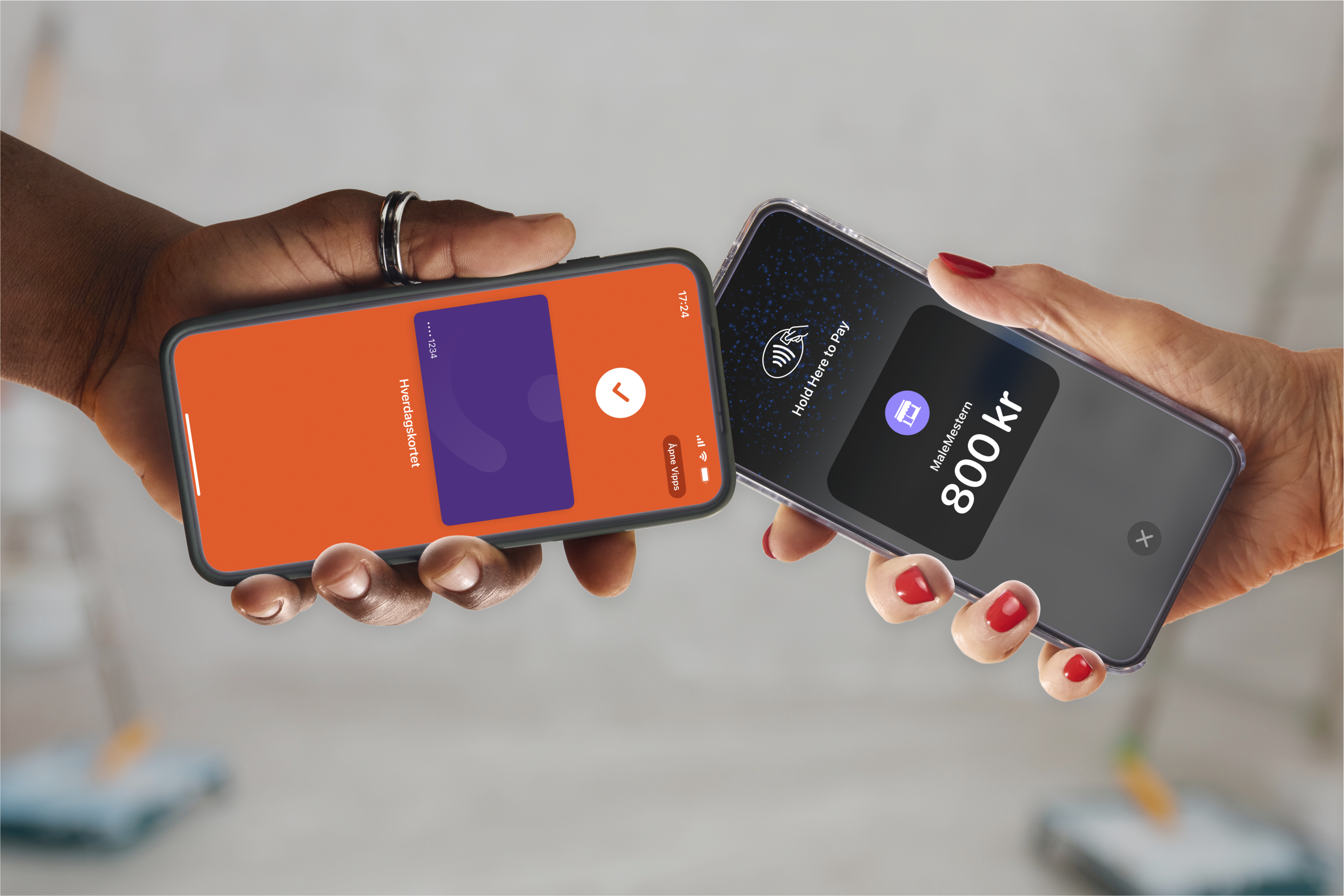
How to use Mobile Point-of-sale (POS)
One app. Two ways to sell.
Payment terminal Enter the amount and get paid in seconds.
or
Complete POS system Register items, set prices and get full overview.

No extra terminal
All you need is your phone.
One, fixed price
You only pay when you get paid.
Full control
Change prices and selection directly in the app.
Get started easily
Order, set up – and you’re ready to sell.
Vipps, MobilePay, cards and cash
Accept Vipps, MobilePay, cards, and cash from customers all over the world.
Easy reporting
Track key figures live in the app or business portal.
Get started in 30 minutes!
You get access to Mobile POS in the business portal. Most orders are processed automatically, so you can start using the service in as little as 30 minutes!
How to get started:
- Order Mobile POS in the business portal
- Download Mobile POS from your app store
- Add your products and services directly in the app
And now you're up and running!
Remember! Not all tablets have NFC technology, which you need to accept card payments. Other than that the app works well on tablets too.
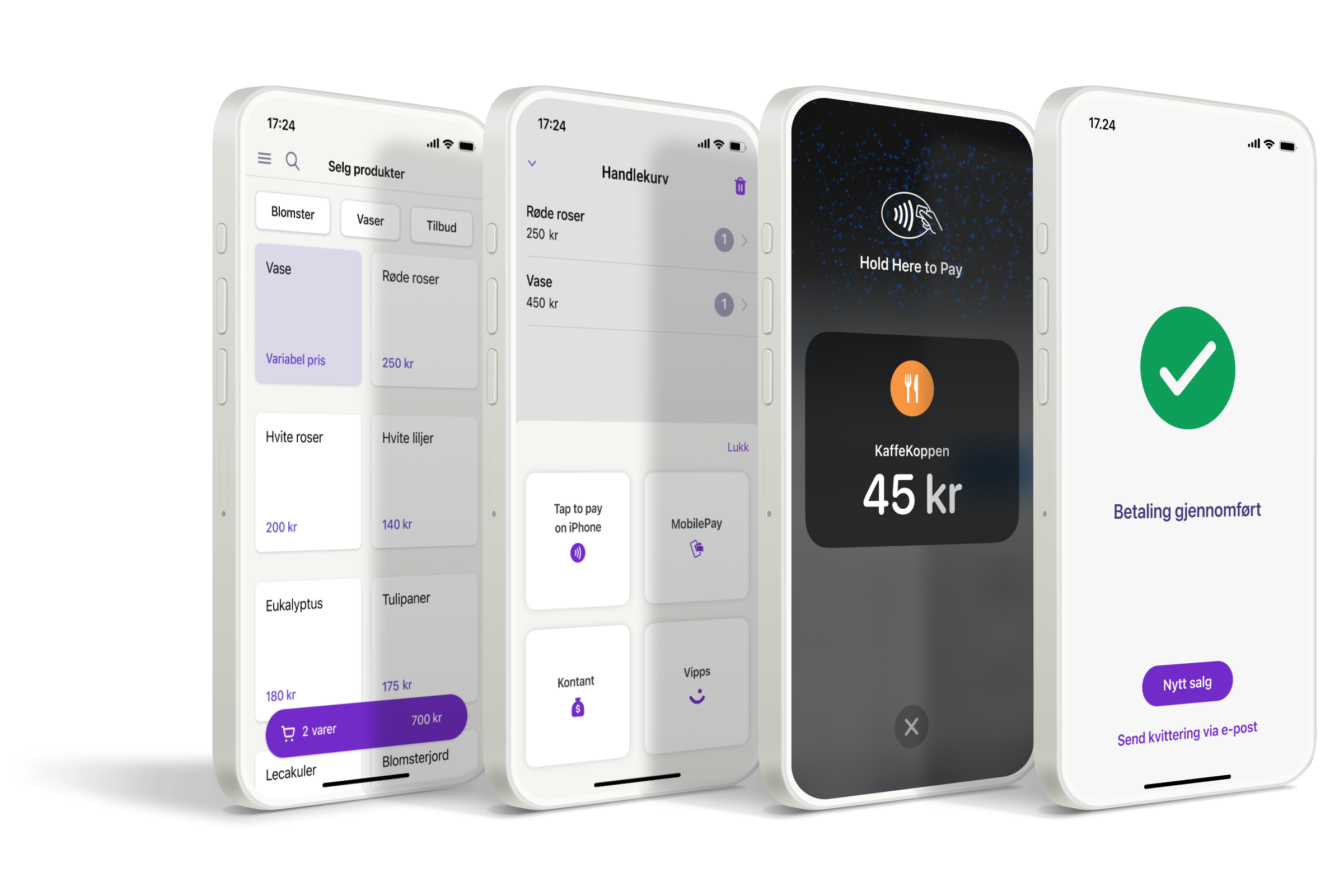
How it works for your customers
- Add the items to the cart or enter the amount
- The customer chooses to pay with Vipps, MobilePay card or cash
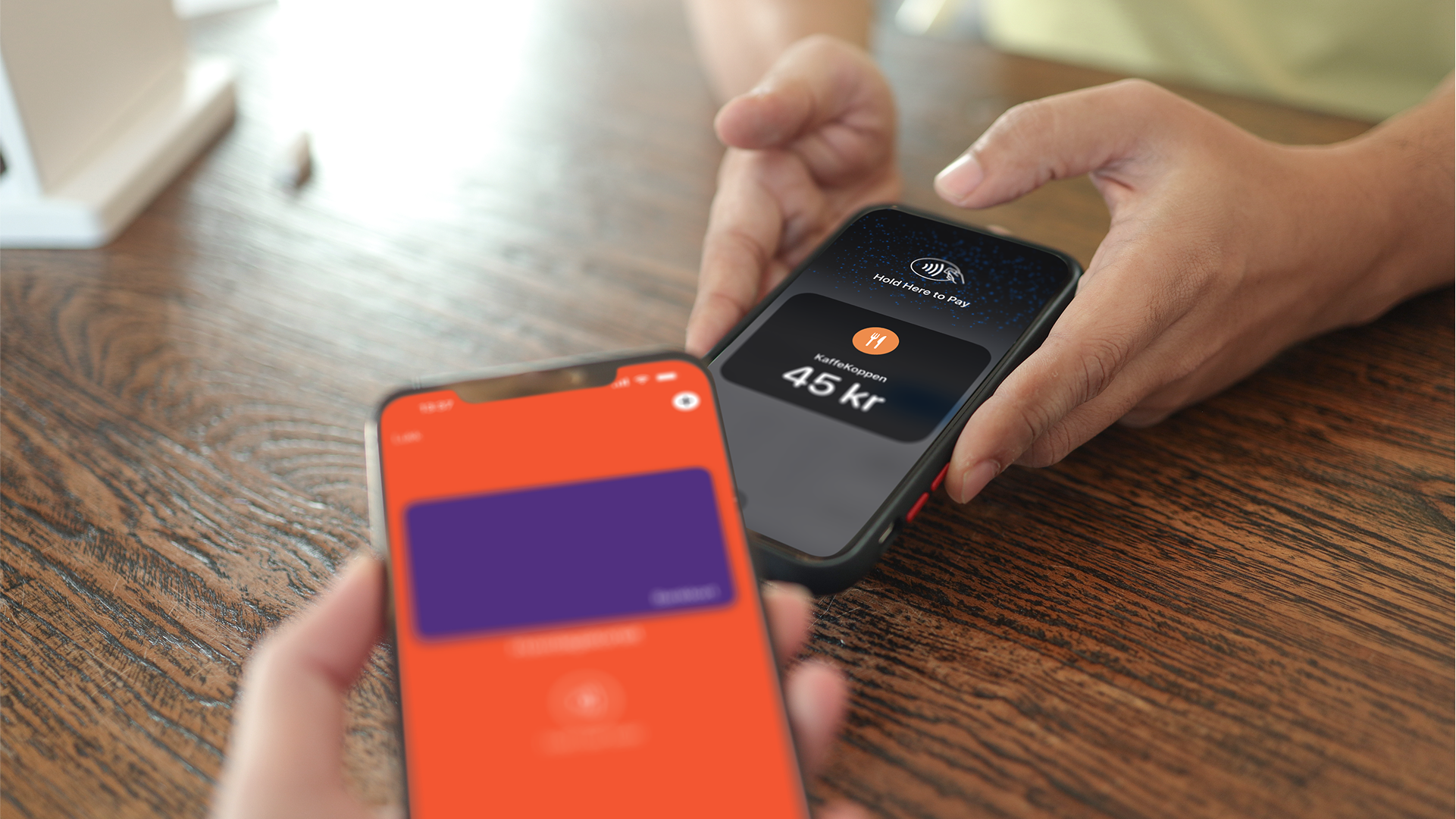
- Scan the QR code or tap the card
- The customer can get a receipt by email or in the app if they pay with Vipps or MobilePay
Get the Mobile Point-of-sale app from App Store and Google Play